Mockup Studio
Free T-Shirt Mockup Generator
on the real blanks you print
Drop your design and pick the blank: Gildan, Bella + Canvas, Comfort Colors and more, in every color they make. Set the print in real inches from the collar, then download a listing photo, a photo for every color, or a proof for your customer.
transparent PNG looks best
On the rack
The blanks shops actually press
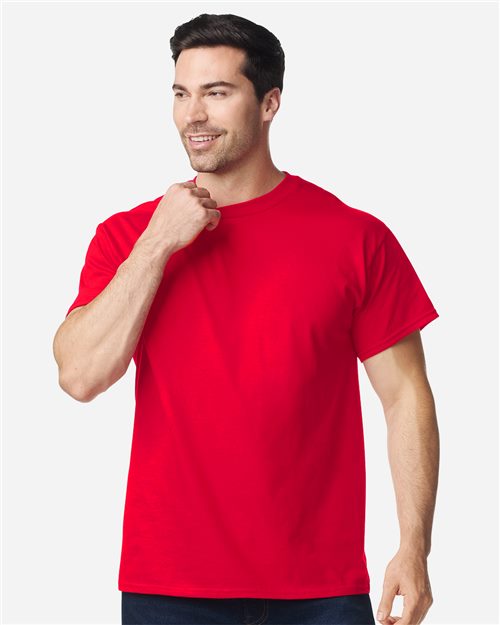
Gildan 5000
Unisex Heavy Cotton™ T-Shirt
T-shirts · 82 colors
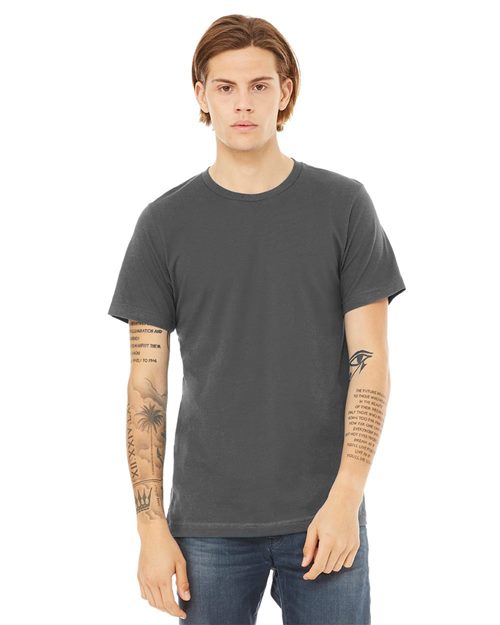
BELLA + CANVAS 3001
Jersey Tee
T-shirts · 96 colors

Comfort Colors 1717
Unisex Garment-Dyed Heavyweight T-Shirt
T-shirts · 68 colors
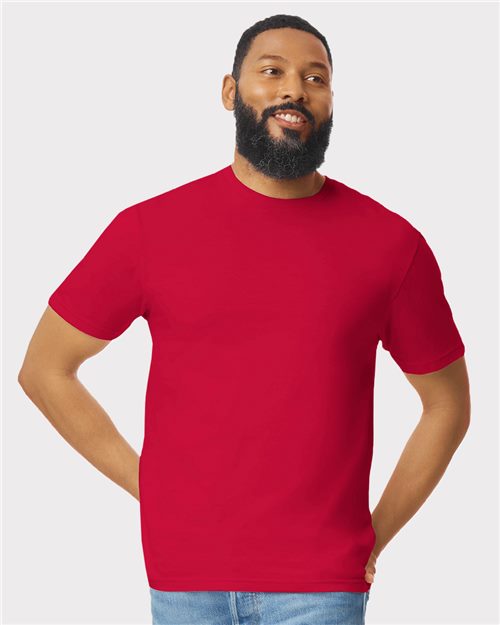
Gildan 64000
Unisex Softstyle® T-Shirt
T-shirts · 75 colors
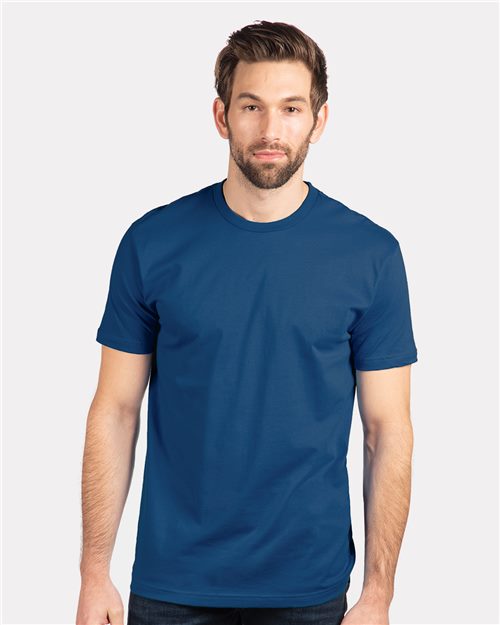
Next Level 3600
Unisex Cotton Tee
T-shirts · 45 colors
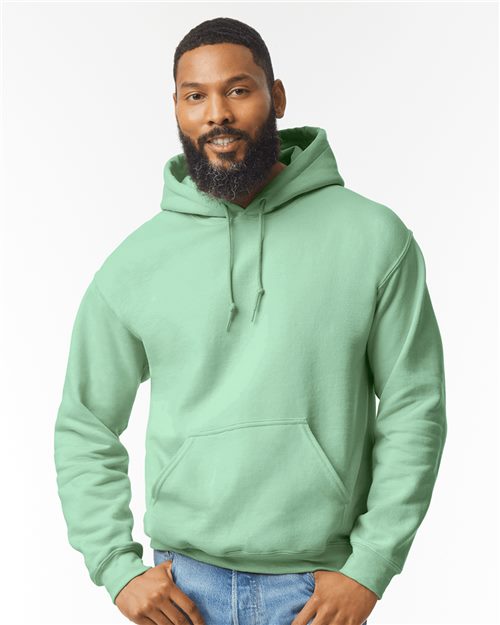
Gildan 18500
Unisex Heavy Blend™ Hooded Sweatshirt
Hoodies · 47 colors
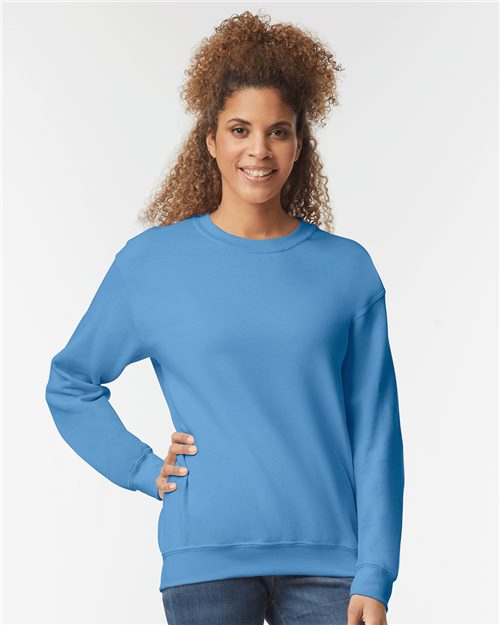
Gildan 18000
Unisex Heavy Blend™ Crewneck Sweatshirt
Crewnecks · 41 colors
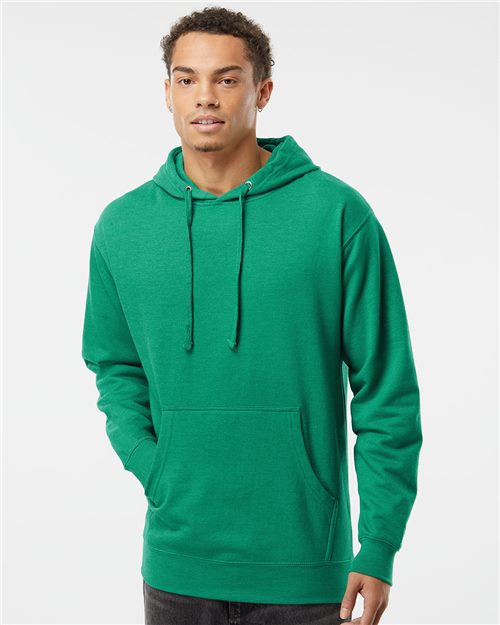
Independent Trading Co. SS4500
Unisex Midweight Hooded Sweatshirt
Hoodies · 46 colors
Every color is the supplier's own product photo. Search any brand or style number in the studio for more.
Built like a print shop, simple enough for anyone
Everything a DTF order needs before it hits the press, in one screen.
True to size
Set the print width in inches and its spot from the collar. The shirt is measured, so what you see is the size you press, on any size from S to 3XL.
Front and back
Each side gets its own design and placement: left chest on the front, full back on the back, shown together in one image.
Every color in one click
One listing photo for every color of the blank, zipped with a spreadsheet that maps each file to its color.
Proof sheets
A one-page proof with the mockups, exact sizes, placement, resolution and quantities by size, ready for your customer to sign.
Printer checks
Warns before you print: artwork too low-res for the size, a solid background that would press as a box, colors that vanish on the shirt.
Pressed into the fabric
The ink follows the shirt’s folds and texture, so your mockup looks like a real transfer, not a sticker.
The supplier’s own photos, every color
Real product photos of the blanks shops actually press, in every color the mill makes. Your mockup shows the exact shirt your customer will get, and the ink picks up its folds and texture.
Real inches, measured from the collar
Left Chest, Full Front, Full Back and more, sized in inches. The studio measures each garment photo, so the preview is true to scale and the placement reads like a work order: 11 in wide, 3 in below the collar, centered.
True colors, dark-fabric aware
Your design shows at full color, exactly as uploaded. On dark garments it renders solid, the way a DTF transfer sits on its white ink base, so nothing looks washed out or see-through on a black shirt.
Listing photos, color packs, proof sheets
2400 px listing photos, a zip with one photo per shirt color, and a one-page proof with sizes, placement and artwork resolution for your customer to sign. Free downloads carry a small watermark; Pro downloads are clean.
How it works
Drop your design
Drop any PNG, JPG, or WebP into the print area above. Transparent PNGs look best. If your file still has a background, the studio tells you and Print Ready removes it.
Pick the blank, color and spot
Choose the blank and the color, then a spot like Left Chest or Full Front and a width in inches. Drag it into place. The studio warns you if the art is too low-res for that size or blends into the shirt.
Download your mockup
Download a listing photo, a photo for every color, or a proof sheet for your customer. Free downloads carry a small watermark; Pro files are clean.
Who uses this
Sellers
Etsy sellers
A real photo for every color variant in one click, zipped with a spreadsheet that matches each file to its color for your listing.
Printers
DTF printers
Send a signed-off proof with exact sizes and placement before you print the film. Low resolution, wrong size and invisible colors get flagged first.
Shops
Custom apparel shops
Mock up team and client orders on the exact blanks you stock, front and back, and plug the same mockups into your store with the API.
Why a DTF-specific mockup tool?
DTF (Direct to Film) transfers behave differently from screen printing and embroidery. Your design is printed onto a special film, then heat-pressed onto the garment. Transparent areas in your file become invisible on the shirt, which is why a tool that correctly handles transparent PNG files matters so much.
Generic mockup generators flatten transparency incorrectly and fake the garment with drawings. This studio is built around how DTF actually works: transparent PNG handling, solid rendering on dark fabric the way a transfer prints over white ink, and prints placed at their real size on the blanks you actually order.
Free vs Pro
The whole studio is free to use. Pro removes the watermark and unlocks the rest of DTFWiz.
Free
No account needed
- Real blanks in every color
- True-to-size placement, front and back
- Every-color packs and proof sheets
- Size, resolution and color checks
- Downloads with a small watermark
Pro
$19/moEverything in Free, plus
- No watermark on mockups, packs or proofs
- 60 image uploads/month
- All editor tools + AI background removal
- Convert to Vector
- Full image history
Frequently asked questions
Is the mockup generator really free?
Yes. Every blank, every color, front and back prints, color packs and proof sheets are free for everyone, no account needed. Free downloads include a small watermark. Pro users ($19/month) get watermark-free files.
Do I need to create an account?
No. You can generate and download mockups without signing up. An account only matters if you want watermark-free downloads (Pro) or want to pull designs from your saved image library.
Which blanks can I use?
The studio pulls real product photos straight from our blank supplier catalog, including Gildan 5000, 64000 and 18500, Bella + Canvas 3001, Comfort Colors 1717, Next Level 3600 and Independent SS4500, in every color they make. Search any brand or style number to find more.
What garments and placements can I choose?
Every garment is a real product photo, not an illustration, in every color it comes in. Pick a spot like Left Chest, Full Front or Full Back and set the print width in inches. The studio measures the shirt in the photo, so an 11 inch full front looks like an 11 inch full front, placed from the collar the way a press operator lines it up.
Will the mockup show my design colors accurately?
Yes. Your design is shown exactly as uploaded, at full color, on a photo of the real garment. On dark fabric it renders solid, the way a DTF transfer prints over its white ink base, so artwork never looks washed out or see-through on a black shirt.
Can I show the front and the back?
Yes. Each side gets its own design and placement, and you can download both sides in one image or make a proof sheet that shows them together with the exact print sizes.
Can I make a mockup for every shirt color at once?
Yes. The every-color pack makes one listing photo per color you pick and zips them with a spreadsheet that matches each file to its color, which is what you need for variant photos on Etsy or Shopify. Colors where your design would blend into the fabric are flagged before you make them.
Is the print shown at its real size?
Yes. The studio measures each garment photo and uses the real chest width for the size you pick, so an 11 inch print looks like an 11 inch print on a medium and smaller on a 3XL. It also warns you when a print is too wide for the size, too low-resolution for the width, or the same color as the shirt.
Can I send a proof to my customer?
Yes. The proof sheet puts the front and back mockups on one page with the exact print sizes, placement from the collar, artwork resolution, quantities by size and a signature line. Download it as an image or print it to PDF.
Can I generate mockups automatically for my store?
Yes. Business plans include the DTFWiz API, which renders the same true-to-size mockups for any blank and color from your own app or store backend, with a print spec you can save with each order.
What file types are supported?
PNG, JPG, JPEG, WebP, and GIF. For the best result use a PNG with a transparent background. If your image has a white background, run it through our free Print Ready scanner to remove it first.
Can I use the mockups in my Etsy listings?
Yes. Download your mockup and use it in any Etsy listing, social post, or customer proof. Pro users get a clean, watermark-free file ready to publish.
What is DTF printing?
DTF (Direct to Film) is a printing method where your design is printed onto a special film and heat-pressed onto a garment. It works on any fabric color, including black shirts, which makes it popular for custom apparel and small print runs.